Shift schedules in hours, not headaches.
Plan your team’s month down to the hour, keep everyone on target, and share a link staff can open on any phone.
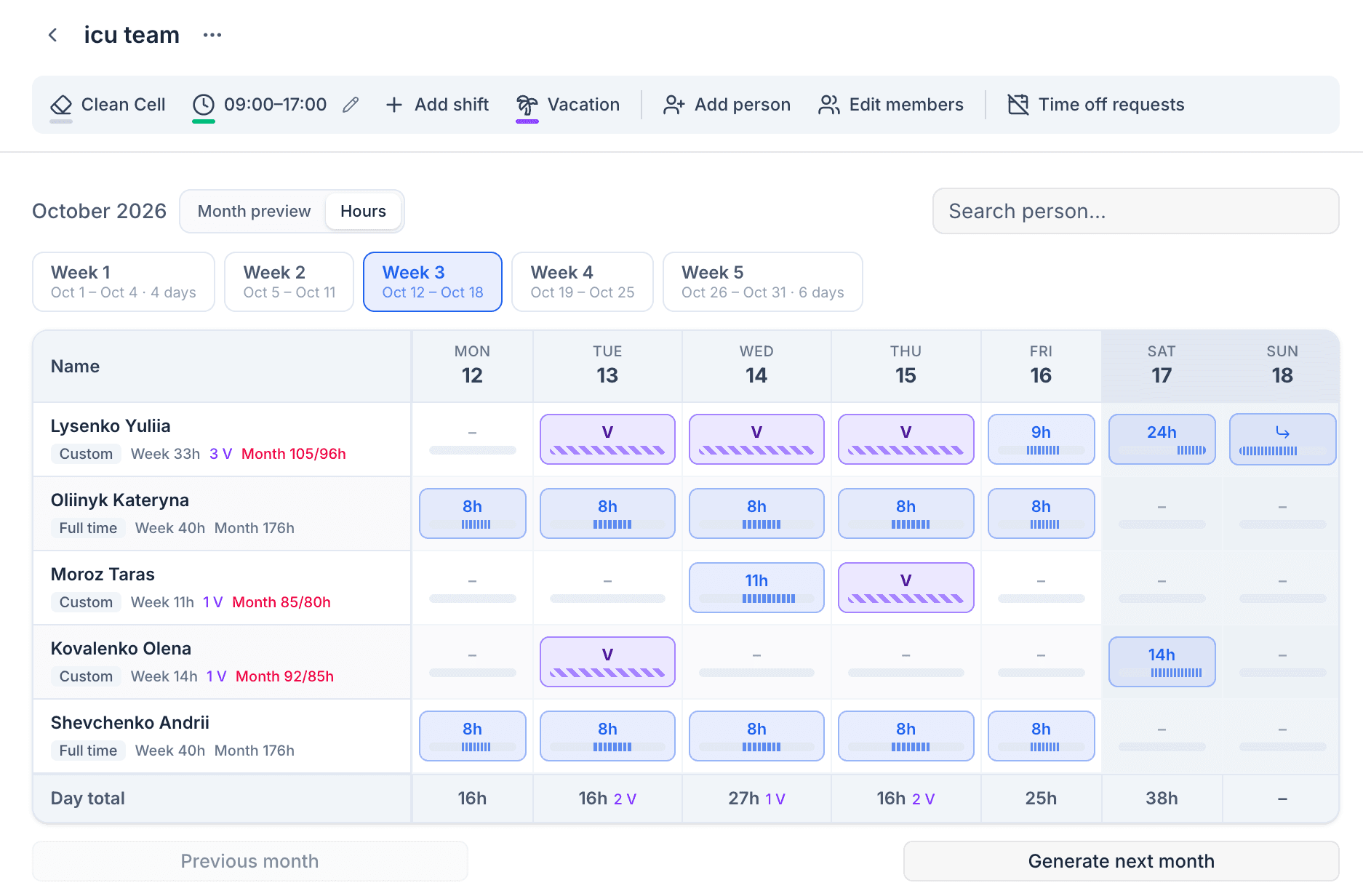
From team list to shared schedule in three steps
- 1
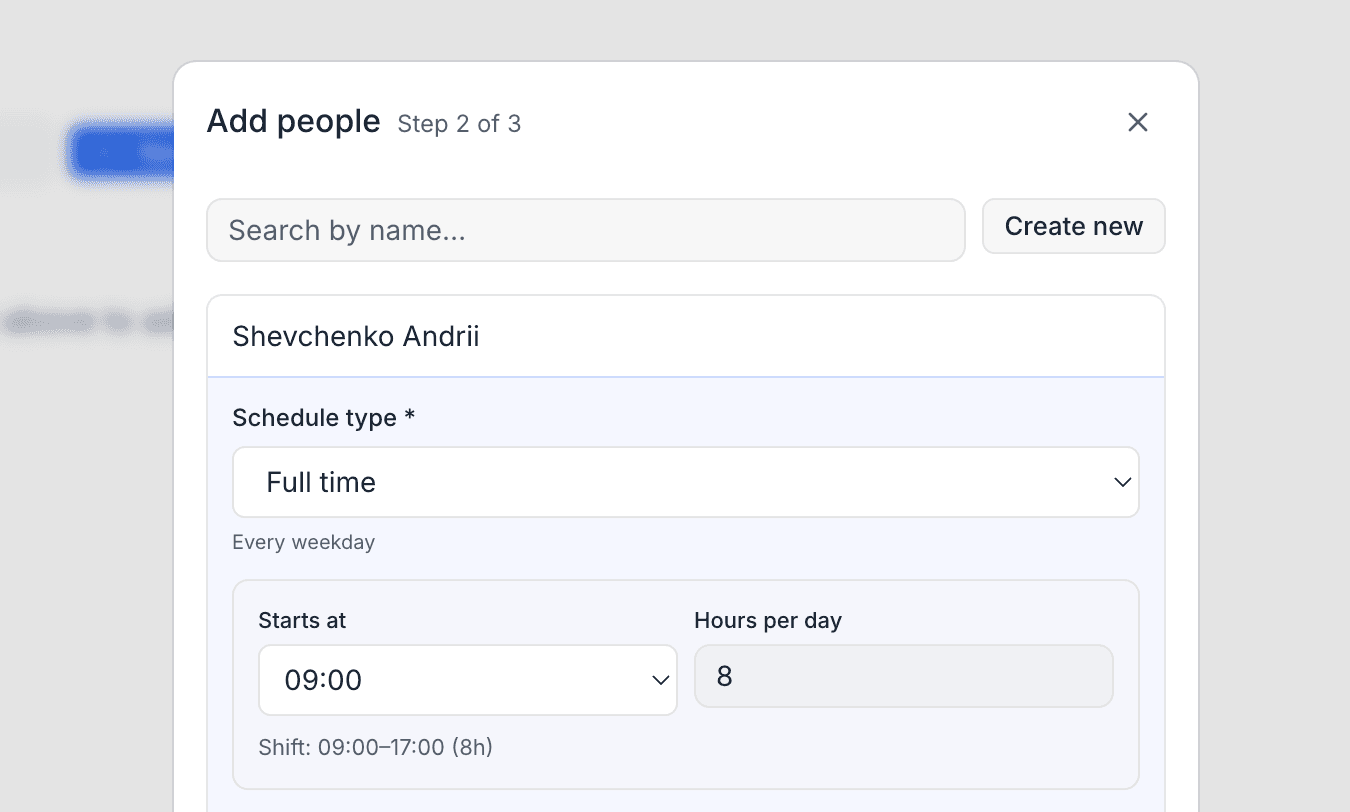
Add your people
Pick existing staff or create new ones, then choose each person’s schedule: full time, a custom hours target, or none.
- 2
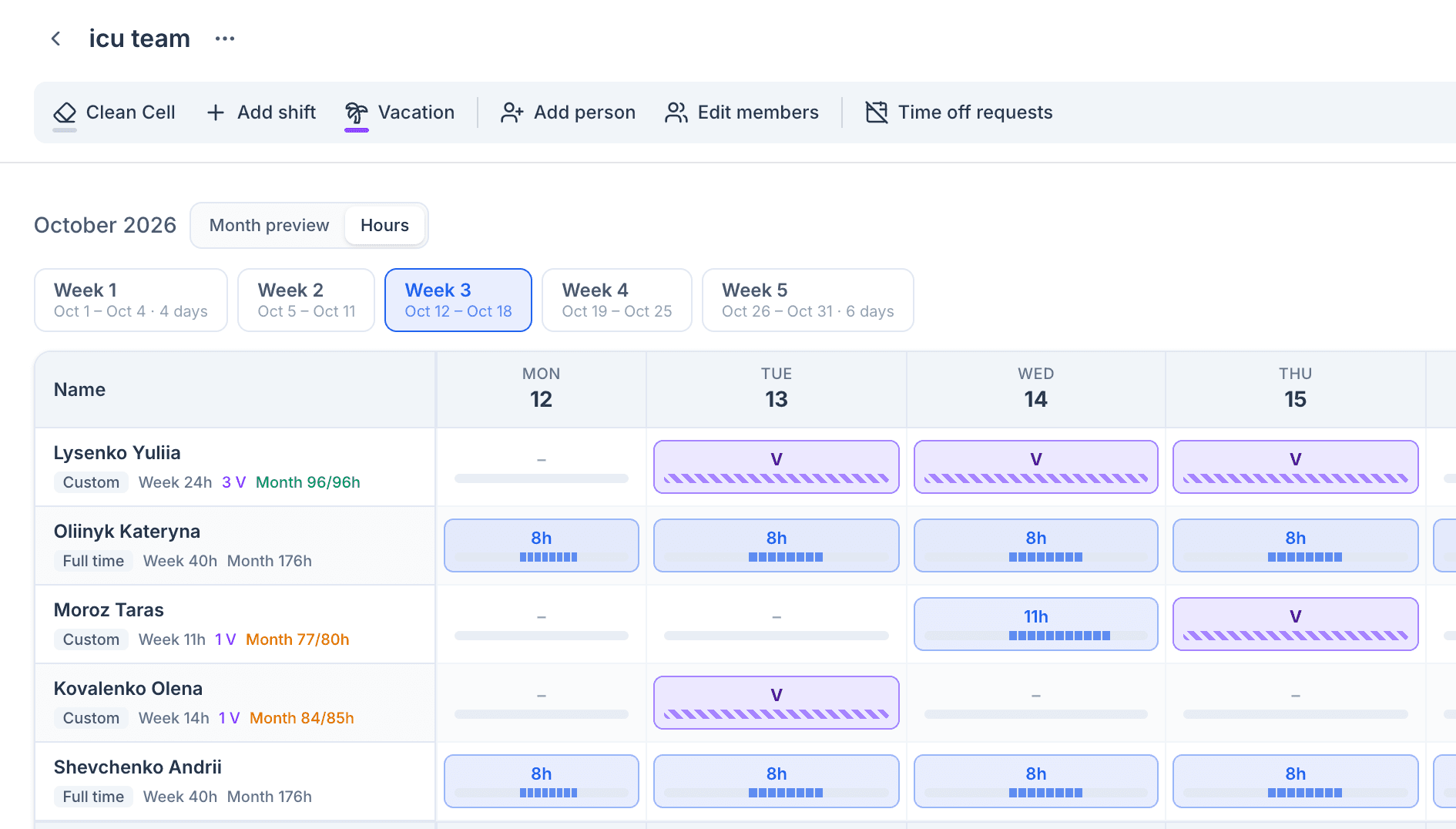
Generate and fine-tune
Ondu fills the month from each person’s shift pattern. Paint shifts and vacations across days and watch weekly and monthly totals update.
- 3
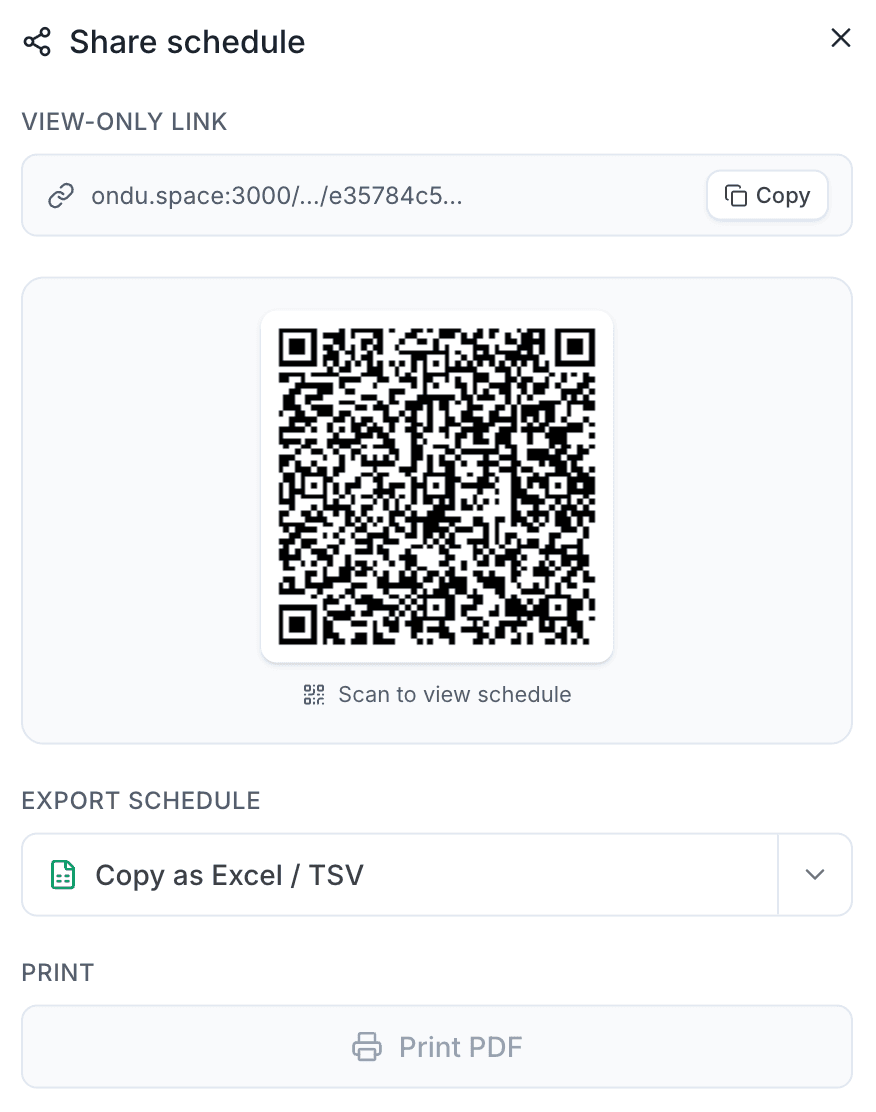
Share with the team
Send a view-only link or QR code, or export to Excel or Word. Staff can request time off right from the link.
Play with a real schedule
This is the actual hours view with sample people. Nothing here is saved.
Tap a day to see its hours, or pick a tool above to start painting.
Questions, answered
Is Ondu free?
Yes. Creating, editing, and sharing schedules is free.
Do my staff need an account?
No. They open the view-only link or scan the QR code — no sign-up and no app to install.
Does it work on phones?
Yes. Both the editor and the view-only page adapt to small screens, including the hours view.
Can it handle night shifts?
Yes. Shifts that run past midnight count toward the day they started, even when they run into the next month.
Can I export the schedule?
Yes. From the share window you can copy it for Excel or download a Word document.
Ready to plan next month?
Set up your team in a few minutes and share the schedule today.